Article note: #nice!
I'm more of a spaces person than a tabs person when it comes to source code and in Vim, I like to see the tab characters, so I have this setting:
set listchars=tab:\⇥\ ,trail:·,extends:>,precedes:<,nbsp:+
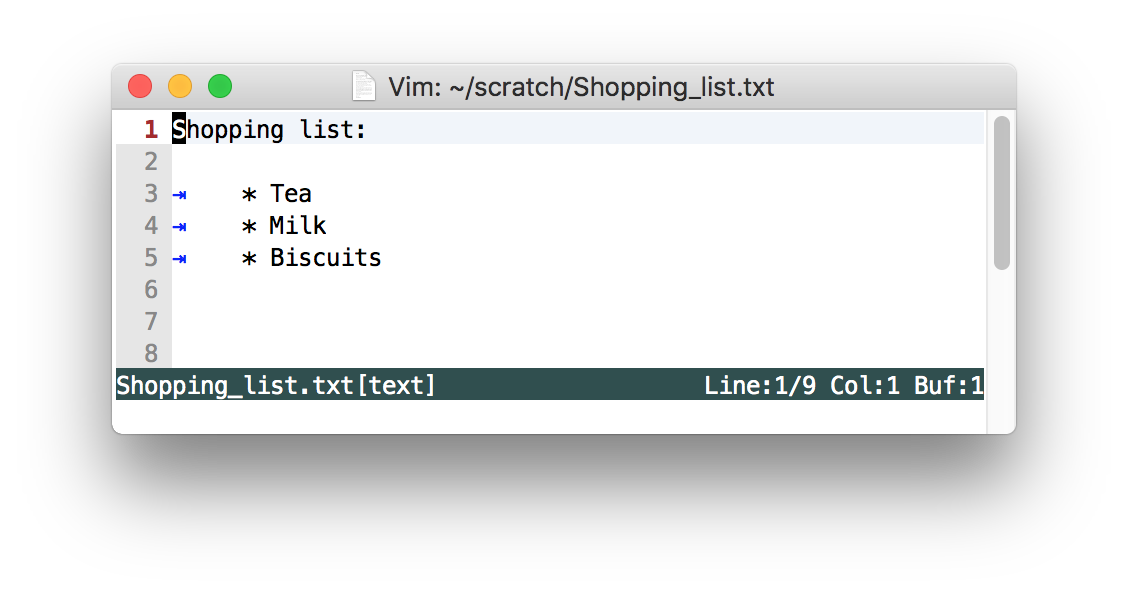
This places a handy ⇥ character so that I can see the tabs:

I'm currently working on a codebase where the coding style is to use tabs, so I need to change my settings. One option is to use EditorConfig, for the formatting changes, but it doesn't help with the Vim specific display setting.
To solve this, I'm using a .vimrc file the root of my project with this setting:
" ~/projects/work/client_name/project_name/.vimrc
set listchars=tab:\ \ ,trail:·,extends:>,precedes:<,nbsp:+
By default, Vim doesn't read .vimrc files, so we need to enable this feature in our main .vim/vimrc file:
" ~/.vim/vimrc
set exrc
set secure
The exrc setting adds searchin of the current directory for the .vimrc file and loads it.
Enabling the secure setting ensures that shell, autocmd and write commands are not allowed in the .vimrc file that was found in the current directory as there's no need to take risks.
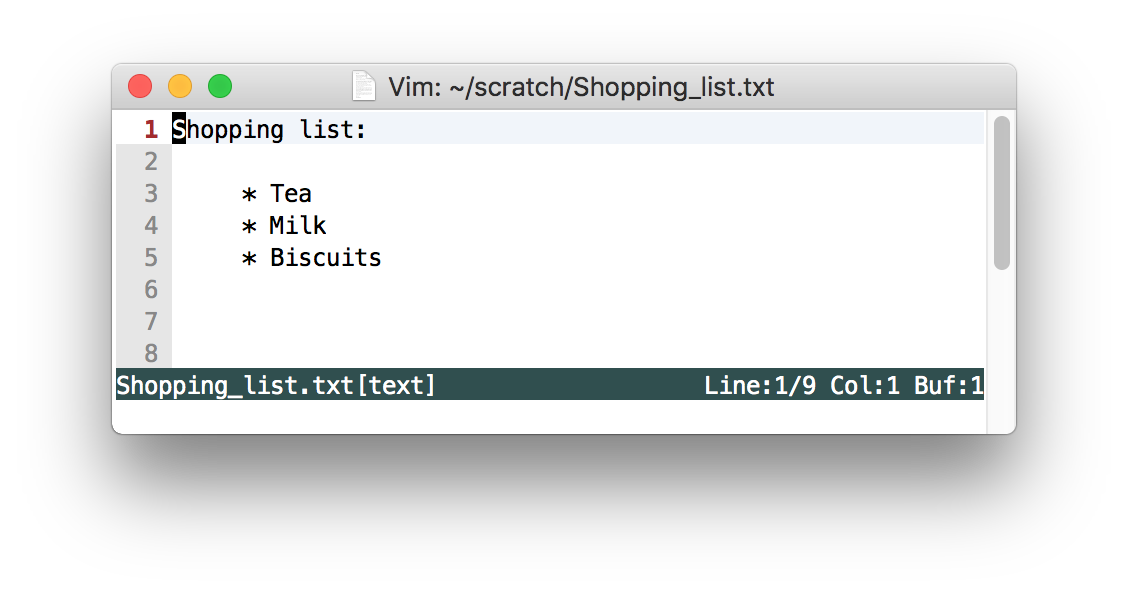
Now, I can have tabs displayed in all my other projects, but in this specific one, they aren't!